

- Published on
AI Coding Tools Compared: GitHub Copilot vs Cursor vs Claude Code in 2026
Listen to the full article:
- Authors

- Name
- Jagadish V Gaikwad
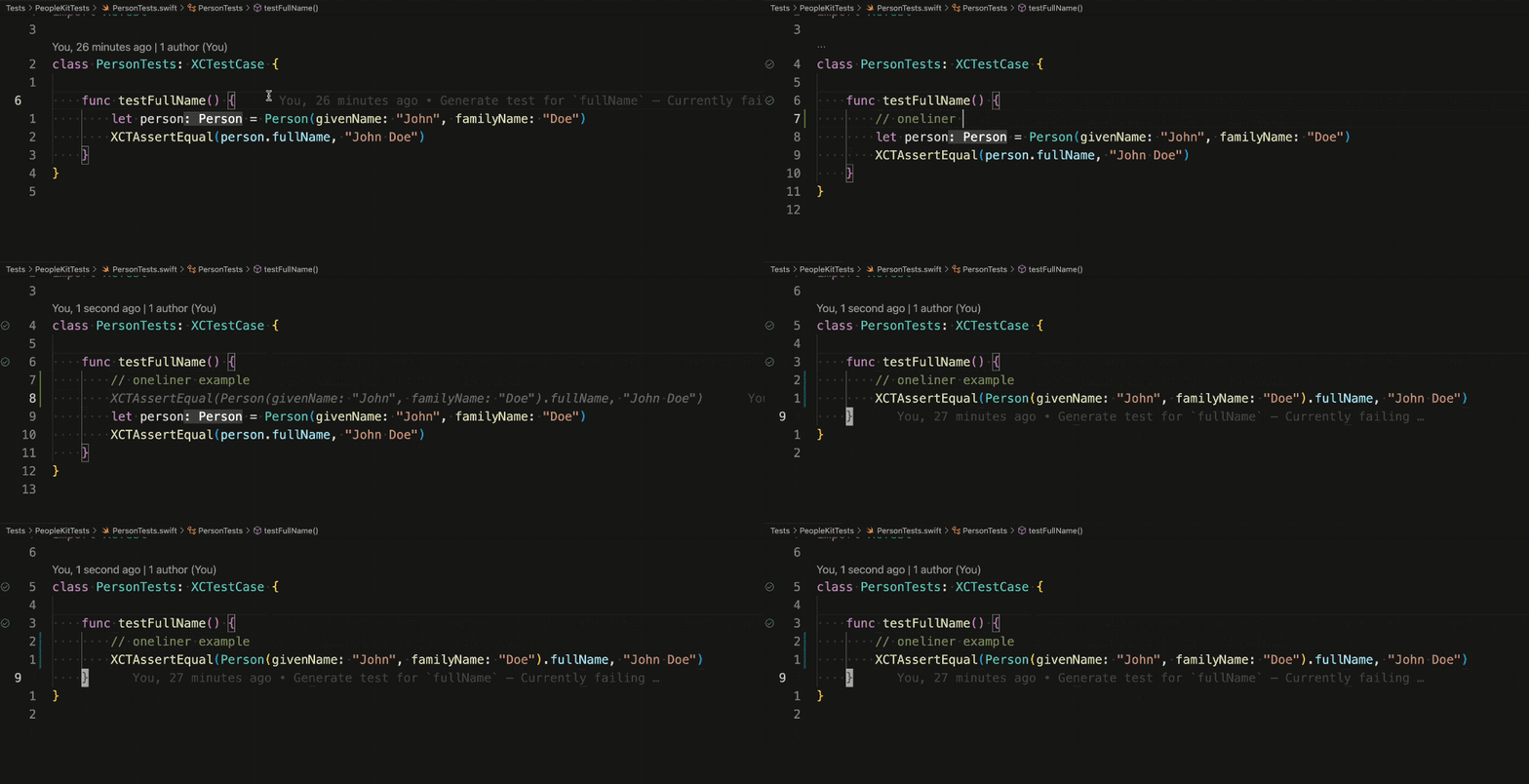
If you’re building software in 2026, you’re not just choosing an editor—you’re choosing an AI partner. The market has stratified into three dominant players: GitHub Copilot, Cursor, and Claude Code. Each takes a fundamentally different approach to how AI interacts with your codebase.
No single tool wins across every scenario. GitHub Copilot is the most accessible and broadly compatible option for enterprise teams. Cursor offers the deepest AI-native IDE experience for solo devs and small teams. Claude Code is the most capable autonomous agent, especially for async, terminal-based, and large-scale architectural tasks .
Let’s break down what each tool actually does, where it shines, and who should use it.
The Core Difference: Editor Plugin vs AI IDE vs Terminal Agent
Before diving into features, it’s critical to understand the architectural split:
- GitHub Copilot is an extension that lives inside your existing editor (VS Code, JetBrains, etc.). It focuses on inline autocomplete and chat assistance.
- Cursor is a standalone AI IDE built from the ground up with AI as the core, not an add-on. It merges editing and AI into one surface.
- Claude Code is a terminal-native autonomous agent. You run it from the command line, point it at a repo, and give it tasks—it reads files, writes code, runs tests, and iterates without hand-holding .
This isn’t just a UI difference. It’s a workflow revolution.

GitHub Copilot: The Enterprise Standard
GitHub Copilot remains the default for teams already embedded in the GitHub ecosystem. It’s the most accessible entry point into AI coding at just $10/month for the Pro tier, and it’s the only one with a robust free tier offering thousands of completions monthly .
Where Copilot Wins
- Broad IDE support: Works in VS Code, JetBrains, Visual Studio, Neovim, and more .
- Enterprise compliance: Built for Microsoft-heavy environments with strong security and audit trails .
- Inline speed: Delivers incredible moment-to-moment autocomplete across editors .
- Low friction: If your team already pays for GitHub, Copilot is often bundled or discounted .
Where Copilot Falls Short
Copilot primarily looks at your current file and import statements. It doesn’t deeply reason across your entire codebase unless you explicitly prompt it in chat . For multi-file refactors or legacy system migrations, it’s less autonomous than Claude Code.
“It’s the lowest friction option and that has real value at the margin… more ‘go faster at things I know how to do’ than ‘help me figure out things I don’t know how to do’” .
Copilot is best if you want fast inline suggestions without leaving your flow, especially in TypeScript or well-typed Python work .
Cursor: The Developer Favorite for Agility
Cursor has emerged as the “power user” IDE since 2025, and by mid-2026, it’s the developer favorite for agility . It’s a standalone AI IDE that merged editing and AI into one product, allowing you to switch between models like Claude 3.5 Sonnet, GPT-4o, and Gemini for different tasks .
Where Cursor Wins
- AI-native editing: The deepest AI-assisted development surface with agent mode and Composer that outperforms competitors for serious work .
- Model flexibility: Not locked to one provider—you can swap models per task .
- Codebase navigation: Genuinely useful for large or unfamiliar repos .
- Best fixed-cost value: At $20/month Pro, it’s the best value for heavy professional use .
For teams under 20 developers, Cursor Pro ($20/month) offers the best combination of agent-driven editing and model flexibility .
Where Cursor Falls Short
Cursor’s agentic capabilities, while improving rapidly, are generally less autonomous than Claude Code. It’s better thought of as a highly capable AI-assisted editor than a truly agentic system . Also, you must leave VS Code to use it, which can be a barrier for some teams.
Cursor is the best daily driver if you measure by workflow integration, speed, and cost . It’s ideal for indie or small team developers who want the best AI-assisted development experience .
Claude Code: The Autonomous Powerhouse
Claude Code is Anthropic’s terminal-based, agentic coding assistant designed to operate with significant autonomy across an entire codebase . It’s not an IDE plugin or autocomplete layer—you run it from the command line, point it at a codebase, and give it tasks .
Where Claude Code Wins
- Autonomous execution: Leads with an 80.8% SWE-bench score and 46% developer satisfaction vs. Copilot’s 9% and Cursor’s 19% .
- Deep reasoning: Best for complex backend work, debugging thorny issues, and tasks where understanding the problem deeply matters more than generating code quickly .
- Full codebase access: Can hold up to 30,000 lines of code in memory at once, enabling autonomous planning for massive framework migrations .
- Token efficiency: Uses 5.5x fewer tokens than Cursor for equivalent tasks, translating to direct cost reduction for API-heavy workflows .
Claude Code is the best AI coding tool available in early 2026 if you measure by raw output quality and capability on complex tasks . It’s the clear leader for agentic operation—it can read files, execute commands, run tests, and iterate across a full task without requiring you to orchestrate each step .
Where Claude Code Falls Short
The terminal interface is a real cost for frontend work and visual iteration. It trades instant autocomplete for deep autonomous code base reasoning right in the terminal to tackle heavy architectural lifting . For developers who find the CLI workflow uncomfortable, Cursor is the closest alternative that preserves most of the reasoning depth .
Claude Code is best if you work on large projects and need autonomous AI assistance, especially for async and Slack-based workflows . It’s the clear leader for complex systems with lots of legacy code or deep architectural analysis .
Pricing Breakdown: Who Gets the Best Value?
Let’s compare the cost structures head-to-head:
| Tool | Entry Price | Best For | Monthly Cost (Active Use) |
|---|---|---|---|
| GitHub Copilot | $10/month (Pro) | Enterprise, broad IDE support | $19/month Individual |
| Cursor | $20/month (Pro) | Solo devs, small teams | $20/month Pro |
| Claude Code | Free CLI (API pay-per-token) | Power users, researchers | ~$50–$80/month active use |
For light use, Copilot ($10/month) is the cheapest . For heavy professional use, Cursor ($20/month) gives the best fixed-cost value . Claude Code sits in the middle at $25/seat for teams, but individual API usage can range from $50–$80/month depending on task complexity .
The “use both” strategy is real and costs around $30/month: Copilot or Cursor in the editor for day-to-day editing, and Claude Code in the terminal for gnarly, multi-step jobs .

Decision Framework: Which Tool Should You Pick?
The decision starts with the editor question: developers unwilling to leave VS Code should evaluate Copilot first, those open to a new IDE should trial Cursor, and those comfortable in the terminal should consider Claude Code .
From there, narrow by task type:
| Best For | Tool | Why |
|---|---|---|
| Complex architecture & large codebase work | Claude Code | Strongest for multi-file reasoning, legacy systems, deep analysis |
| Solo devs & polyglot projects | Cursor | Best balance of reasoning quality and IDE integration |
| Enterprise teams on GitHub | GitHub Copilot | Enterprise compliance, platform relationships, low friction |
| Fast inline suggestions | GitHub Copilot | Moment-to-moment autocomplete across editors |
| Daily development workflow | Cursor | Best AI-powered editing experience, speed, cost |
| Autonomous AI assistance | Claude Code | Terminal-native agent for massive migrations, async workflows |
If You Must Pick One
- Choose Cursor if you want the best all-around AI coding experience for the widest range of developers and use cases .
- Choose Claude Code if you want the best coding quality on complex tasks .
- Choose GitHub Copilot if you want the cheapest option that works everywhere .
The Verdict Most Working Developers Land On
The consensus among working developers in 2026 is clear: use Copilot or Cursor in the editor for day-to-day editing, and Claude Code in the terminal for the gnarly, multi-step jobs like large refactors, migrations, or “read this whole repo and fix X” .
- Copilot wins on price and IDE breadth.
- Cursor wins on the deepest AI-native editing surface.
- Claude Code wins on autonomous depth.
This hybrid approach leverages the strengths of each tool: Copilot or Cursor for inline completion and visual diff workflows, and Claude Code for agentic, multi-file tasks .
Final Thoughts: It’s Not About Choosing One—It’s About Choosing the Right Mix
The AI coding war of 2026 isn’t about a single winner. It’s about matching the tool to your workflow. If you’re in a Microsoft-heavy enterprise, Copilot is your safest bet. If you’re an indie dev or small team wanting the best AI-assisted experience, Cursor is your daily driver. If you’re tackling complex systems with legacy code or need deep architectural analysis, Claude Code is your powerhouse.
The landscape has changed dramatically: in 2024, Copilot was the default; in 2025, Cursor emerged as the power user IDE; in 2026, Claude Code brought terminal-first AI coding to the masses .
What’s your current setup? Are you sticking with one tool, or have you found a hybrid workflow that works for you? Share your thoughts in the comments.
You may also like
- How to Secure Your Website with AI-Based Tools: A 2025 Guide
- SaaS SEO in 2025: How to Rank Your Software Organically and Boost Growth
- AI Compliance Solutions for SaaS & Cloud Businesses: What You Need in 2025
- How AI is Used in Cloud Cost Management: Smarter Spending in 2025
- Best AI Scheduling Tools for Busy Professionals in 2026